ChatGPT business profile · Business Hub · Malaysia
How to add your business to ChatGPT. It takes about 2 minutes.
Open ChatGPT's Business Hub. Pick your business from the list. Choose a phone call. Type the code. Done.
It is free. A Penang dental clinic we work with did it on 17 November 2026, first try, with only the call and the code.
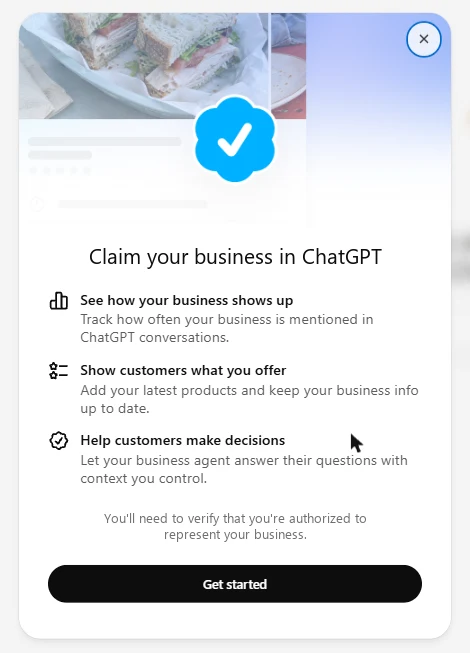
4 steps
Claim your business on ChatGPT
Open Business Hub
Sign in to ChatGPT. Go to chatgpt.com/business-hub. Tap Add.
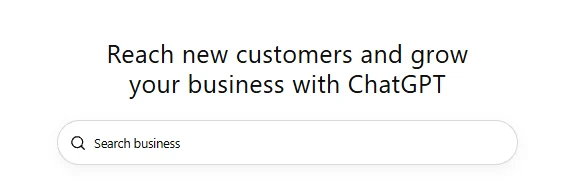
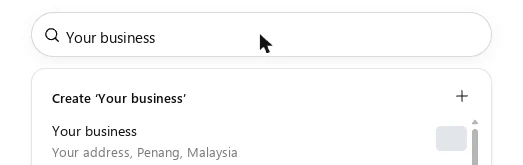
Pick your business from the list
Type your name. Tap the line with your address. Skip ‘Create’: it makes a second copy, and OpenAI bans those.
Get started, then Business phone
Tap Get started and Continue. Choose Business phone, then Continue.
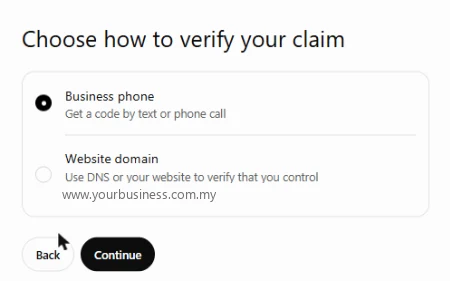
Pick the call. Type the code.
ChatGPT rings the number on your listing and reads you a code. Type it in. You are verified.
After you claim
What you get
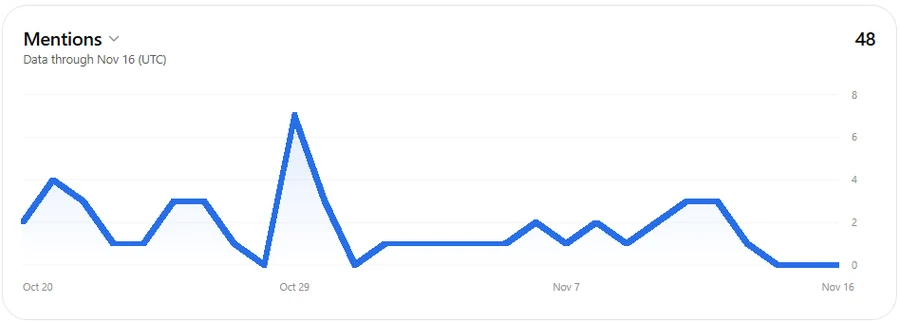
See how often ChatGPT mentions you
A count and a chart, by day.
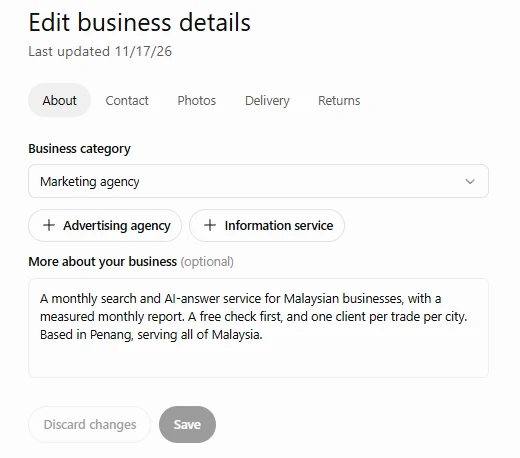
Fix your details
Category, phone, email and a short line about you.
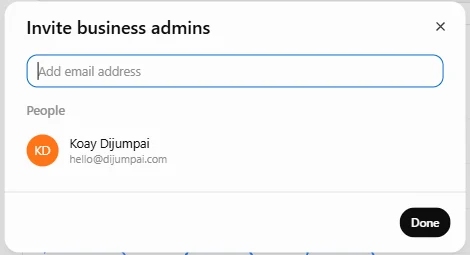
Add your agency or staff
Tap Invite. Add their email as a business admin.
Listed is step one
Claimed is good. Named is the goal.
Claiming gives you the profile and the numbers. OpenAI says ChatGPT's answers stay its own. Being the name ChatGPT gives is the work we do.
For the engines
Adding your business to ChatGPT, in full
OpenAI opened business profiles in ChatGPT on 10 November 2026. The page that manages them is called Business Hub.
A local business in Malaysia can claim the listing ChatGPT already has. Search your name in Business Hub and pick the line with your address.
Verification offers a business phone code, by text or by call, or a website domain record. The call worked first time for our clinic client.
If the text code fails, or ChatGPT says text is unavailable at this time, cancel and start again with the call.
A website domain record is a TXT entry your web person adds. On 17 November 2026 it expired about 24 hours after it was shown.
After you claim, you can edit your details, invite admins, and see how often ChatGPT mentions your website.
ChatGPT's answers stay its own, OpenAI says. Claiming gives you a verified profile and a count.
Questions owners type
Adding your business to ChatGPT: questions and answers
How do I add my business to ChatGPT?
Is a ChatGPT business profile free?
Do I need my IC or SSM to claim?
The text code failed. What now?
My business is missing from the list. Should I tap Create?
Will claiming make ChatGPT recommend me?
Can my agency manage the profile?
Sources: OpenAI's own pages, read 13 and 17 November 2026, and our own claims in Business Hub on 17 November 2026